 2:52
Cue, pitch and no master tempo FUN!
Contents of the video
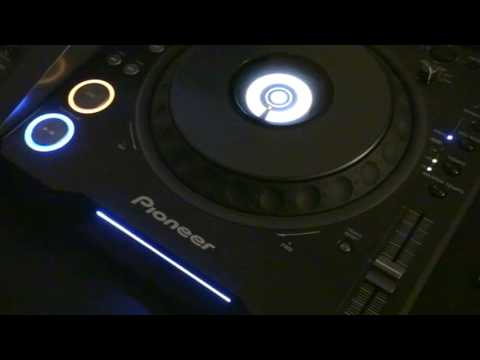
Alright folks, a bit of a demo stroke tutorial on using the cue button. Now very quickly you can do this with most CD players but you will need a very responsive cue button. I'll give you a demonstration. Now I'm going to be counting in bars 1, 2, 3, 4, 1, 2, 3, 4. I'm going to be using cue button over here and the pitch control. Now notice I've got the master tempo off. There's a very good reason for that because I want to change The key of the track while I'm moving the pitch. If, let's say, I've got master tempo on and I move the pitch, we won't hear any difference in the key. I'll give you a demo on that. As opposed to, master tempo off. Let's have a listen. Excuse me. Okay, what I'm going to do is count in bars. One, two, three, four. One, two, three, four. Now let's imagine we've got a track playing. Now what we can do is we can edit the track, the beginning of the track by using the cue.
Okay, stage one. Stage two is when we use that in conjunction with the pitch control. Here we go. Thank you for watching. There you go. Bit of a tip, bit of a trick, demo, practice and enjoy.
This transcript was produced automatically from the audio of the video and may contain mistakes.








