 2:19
Getting an exact one-bar loop
On YouTube this video is called Denon DN-S1200 How to get a perfect 1 bar Loop.
What this lesson teaches
A short, machine-specific demonstration with a principle worth generalising.
What he does
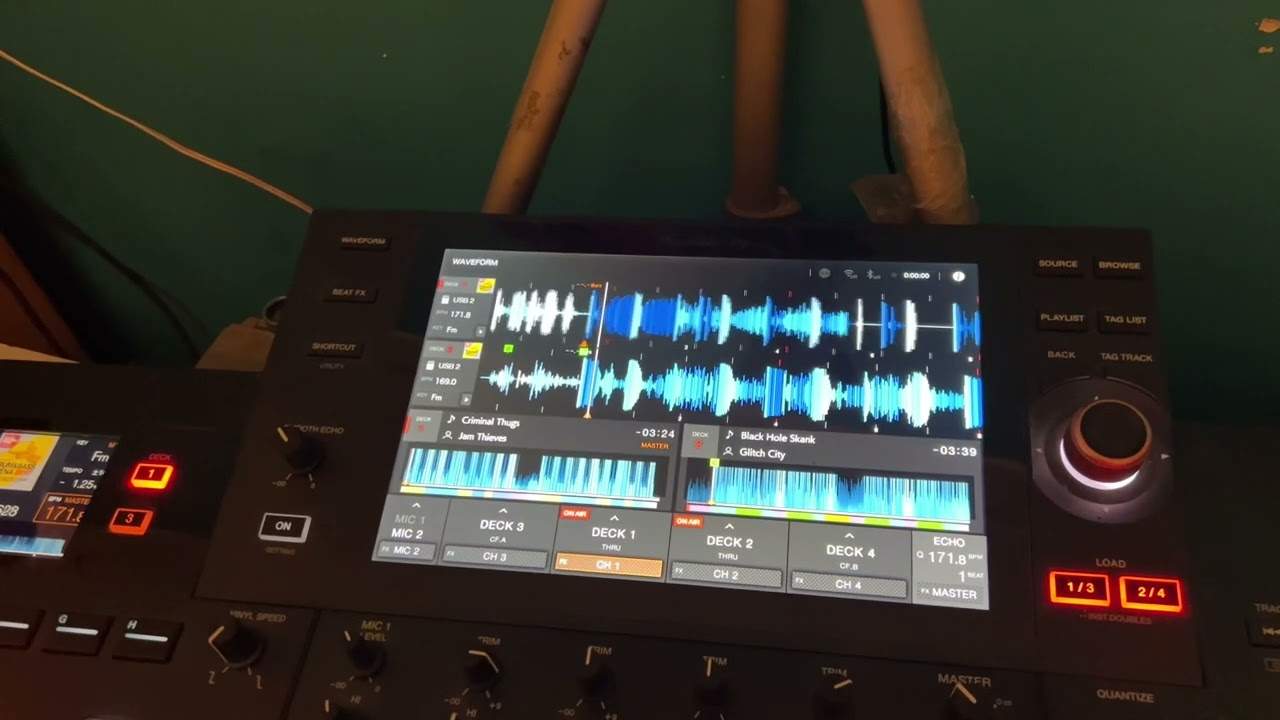
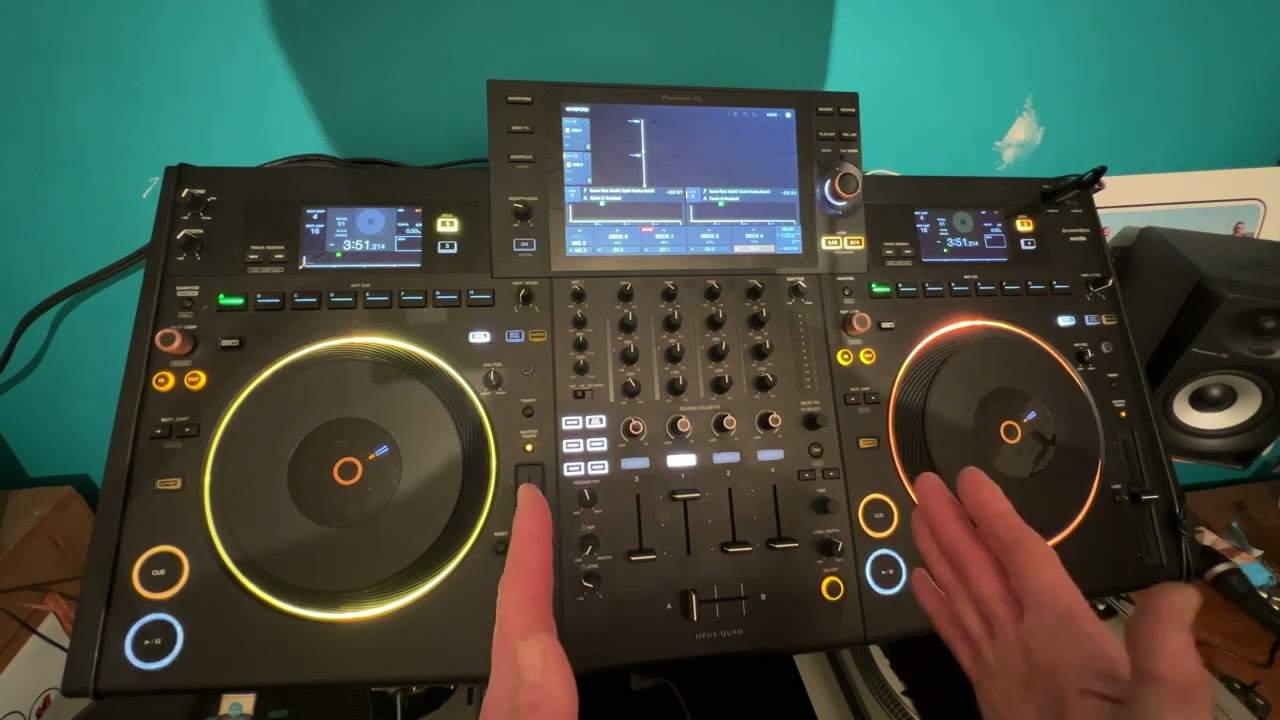
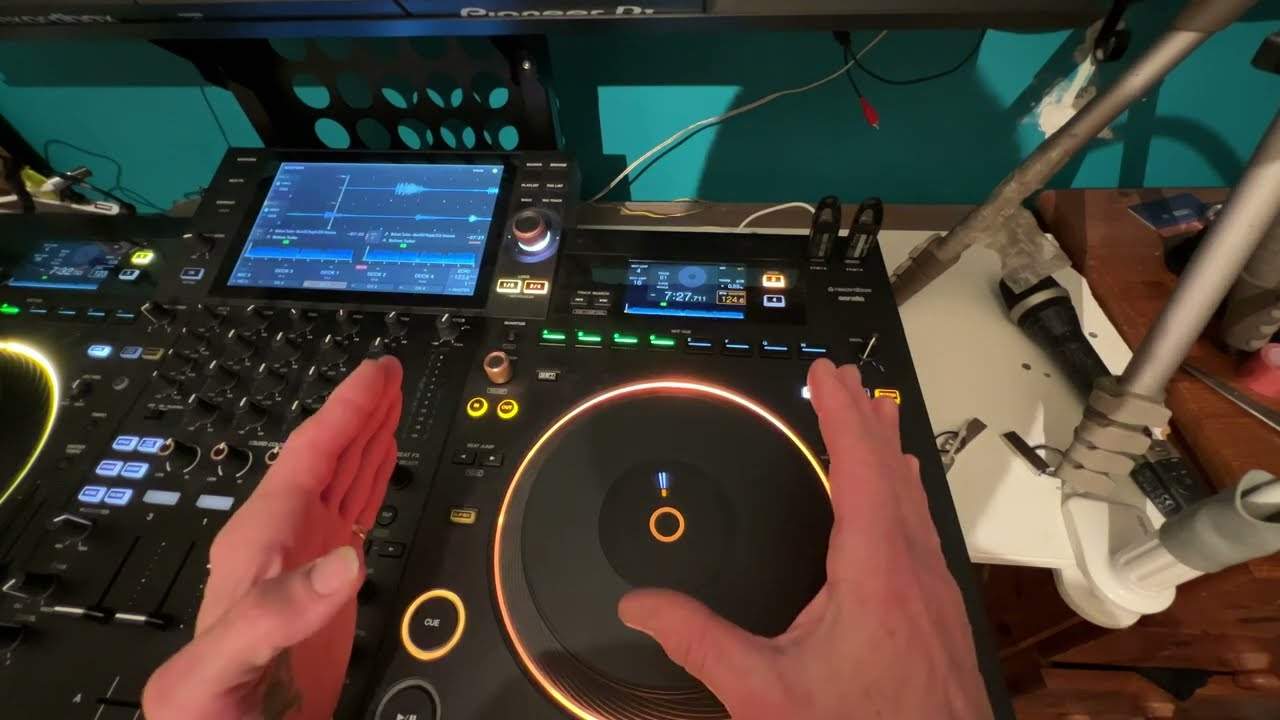
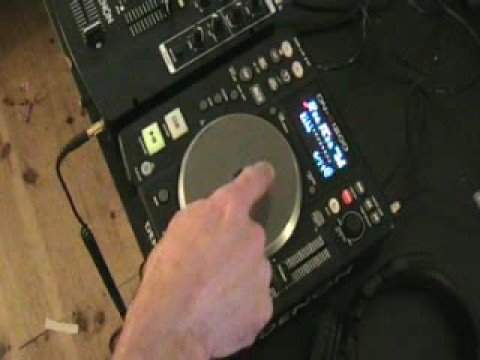
On this player there is an echo loop button and a parameters dial. He presses the button, turns the dial to 4/1 - four beats, which is one bar - and engages it.
A small ring of segments fills up as the loop takes hold. Turning the jog wheel anticlockwise unwinds the ring, and when it is empty you are back in the track.
Why this is better than in and out
The reason matters more than the button layout.
Setting a loop with in and out buttons means the loop is exactly as accurate as your two presses. Be four milliseconds late on the out and the loop is four milliseconds long - and because it repeats, that error accumulates: four, then eight, then twelve, until the loop is audibly dragging.
Setting a loop by length removes the second press entirely. You are telling the machine "one bar", and the machine knows precisely how long a bar is because it knows the tempo. The machine sets the length from the track's tempo, so the loop should hold rather than drifting the way a hand-set one does.
What to use it for
A one-bar loop at the end of a record buys you time. The track no longer ends; it sits there repeating until you are ready, which is useful when the next one is not cued or when you want to extend an intro to make a longer mix.
Longer loops - four bars, eight - extend a section rather than hold a moment, and are what you use to give yourself room to mix over.
The general advice
If your equipment can make a loop by beat length, use that rather than the in and out buttons.
Keep the manual version for the cases where length will not do it: looping something that is not a whole number of bars, or catching a particular phrase that starts somewhere awkward. For everything else, letting the machine do the arithmetic is simply better.
Contents of the video
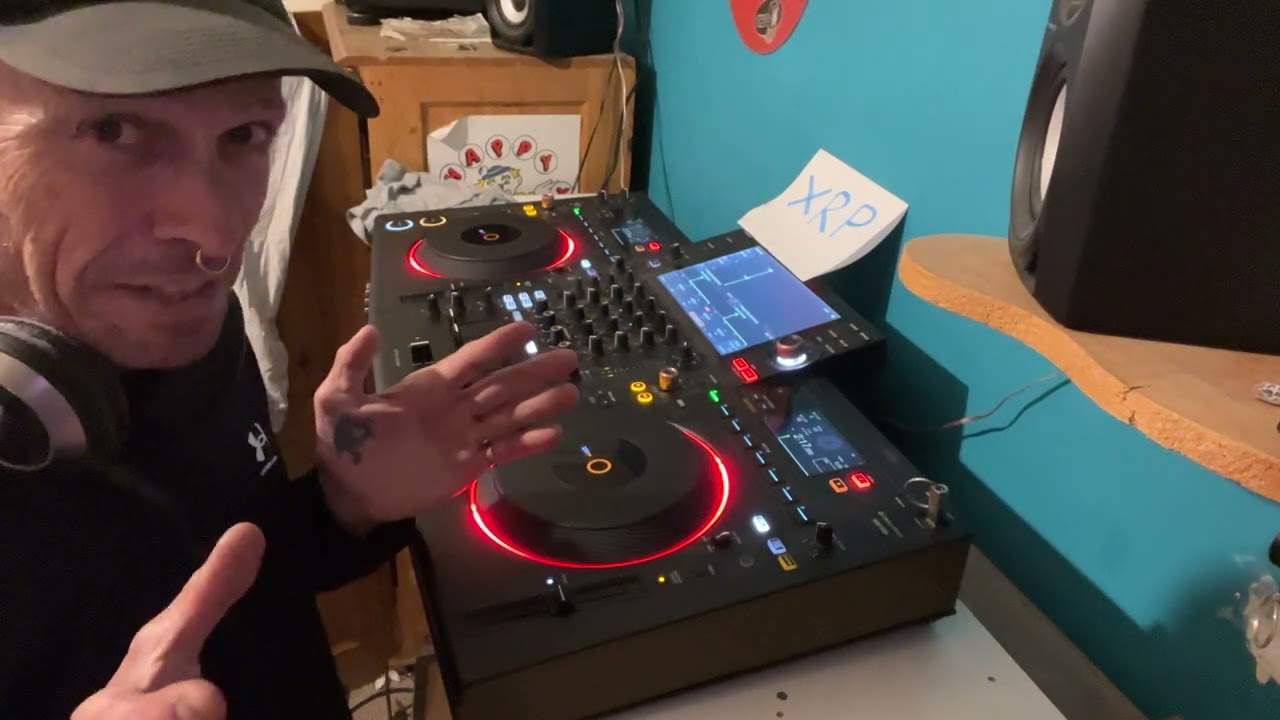
Alright folks, another demonstration stroke tutorial for you on this piece of kit here. It's known as a tabletop CD player. This piece of kit here is from a company called Denon and the model number is the DNS1200. In this video I'm going to show you how to do a one bar loop. One bar in music is the count of four. Look in the description for all relevant information and the name of the track. First of all, let's have a listen to the music and I'll show you how you can count one bar. As follows. One, two, three, four. That's one bar. Okay, so how do we get a one-bar loop? What we need to do is play the music. We've got a button here just below where it says tap and it says echo loop. We're going to press that. What I need to do now is by moving the parameters dial, I need to get to 4-1 which is the count of one bar. Then I need to move the jog wheel clockwise and we've got a small circle here
What I need to do is make sure that that circle is filled entirely with the small, tiny orange lines as follows. Now we've got a perfect one bar loop. Count of four. One, two, three, four. One, two, three, four. One, two, three, four. One, two, three, four. To get out of that loop all I need to do now is move the jog wheel anti-clockwise all the way till All of these small, tiny lines have been removed from that circle. Two, three, four. One, two, three, four. And then we're right back into the music. So basically what's happening there is the loop is going over the music and then when we turn the jog wheel anti-clockwise, we come back into the original track. I'll do exactly the same thing again. One, two, three, four. One, two, three, four.
1, 2, 3, 4. 1, 2, 3, 4. 1, 2, 3, 4. Go back into the music. There you go. Practice and enjoy.
This transcript was produced automatically from the audio of the video and may contain mistakes.