 6:42
DJ Electronic Dance Music Mixing Lesson Snapping in a Tune in Time from the First Beat of a Bar
Contents of the video
0:00 Is how you can mix perfectly
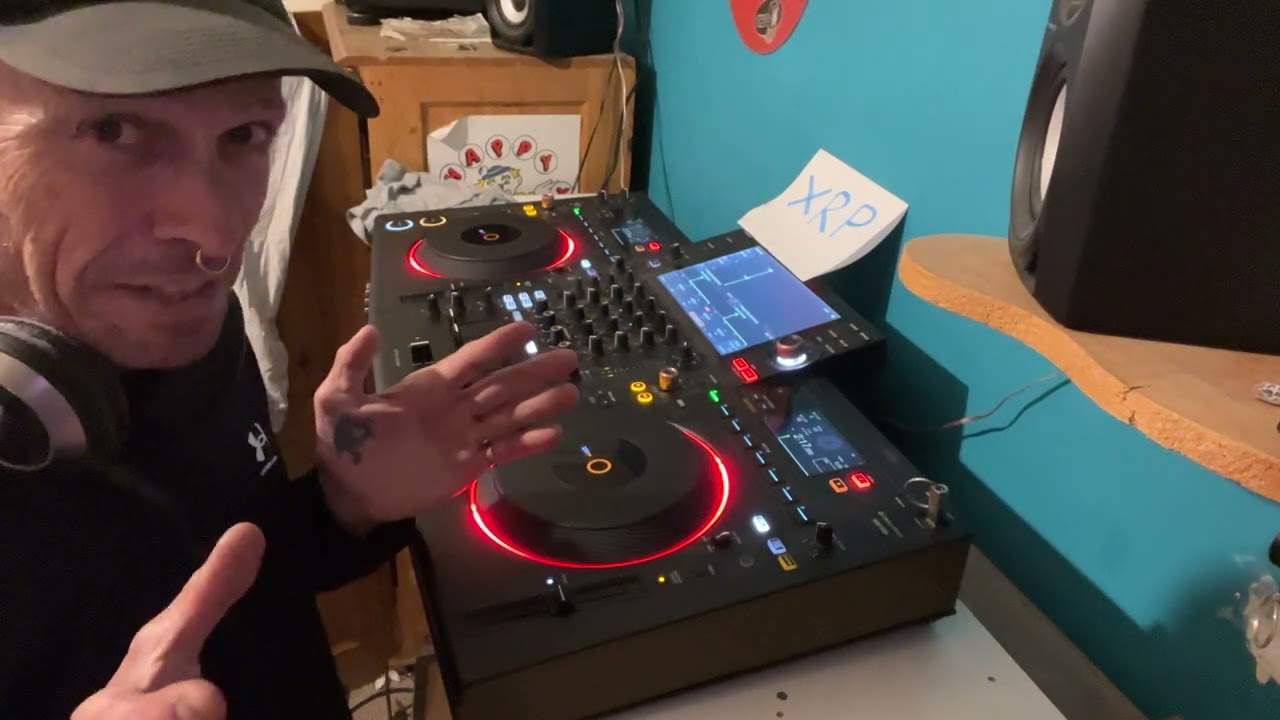
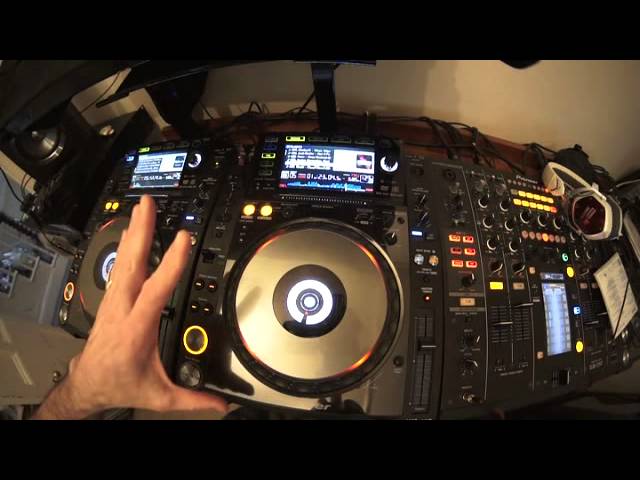
Alright guys, demonstration tutorial on learning how to mix EDM electronic dance music. I'll put the names of the tracks in the description. In this video what I'm going to show you is how you can mix perfectly in time a tune that you want to bring in on the count of one. In other words, you've got a tune that you want to mix in to the next track, but you want to mix it in on the first beat. You don't want to beatmatch it on your headphones and then slowly bring it in. You just want to snap it straight in there. But of course it's very difficult doing that because if you don't bring it in exactly on the right beat, it may sound off. And if you're not good at beatmatching, it could take you quite a time to get it into beat.
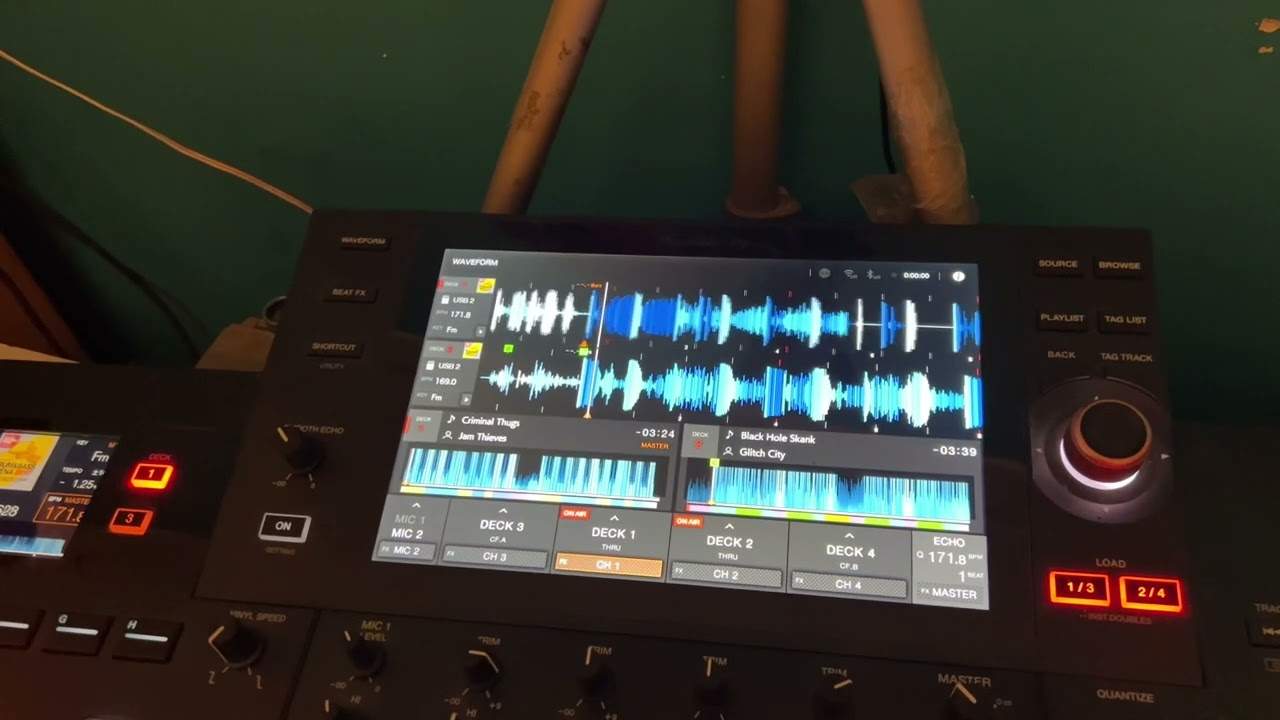
Which means the two tracks as they're working together may sound a little bit off. Now I've got this tune here on the left hand side, which is Charlie Timmy Trumpet. I will put the name of the track and what not in the description. And this one here, which is Mogui Funk-O-Mat. Put this two tracks, so they'll be in the description. And if we have a listen to this track, you'll see exactly what I mean because it's a good cut and it needs to come in straight away. Have a listen. Now you've got that... Now if I was to, let's say, try and mix that in. If I was a beginner trying to mix that in directly to another track, even if I'd have beatmatched it perfect time, It's all down, you know, it's, if you think about it, it's all down to once you've beatmatched it on your headphones, it's all down to you hitting that cue point or play pause at exactly the right point to bring it in.
1:50 Get them perfectly in beat every time
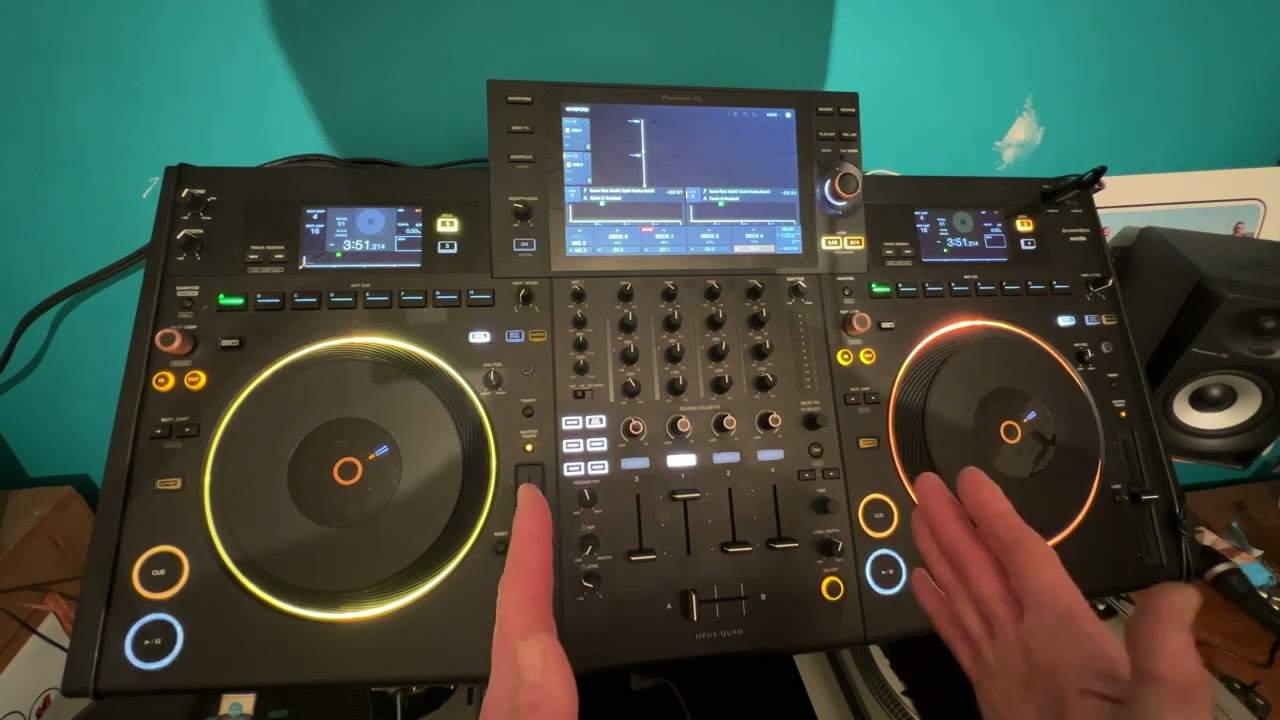
So I'll give you a demonstration here. Okay, you can hear that pretty much in time, but how can you do that every time? Get them perfectly in beat every time. Now I'll show you. It's about forming a loop on the track you're bringing in. Now again, I'm going to be doing a loop by myself manually, but you can of course use Rekordbox software which is free from Pioneer and you can get a perfect quantized loop. This demonstration, my loop's gonna be slightly off, but well it might be very slightly off. But first of all, okay, now let's imagine this track here is playing. So this is happily playing away. So what I'm about to show you now on the left deck is what you would be hearing if let's say you were listening through the headphones.
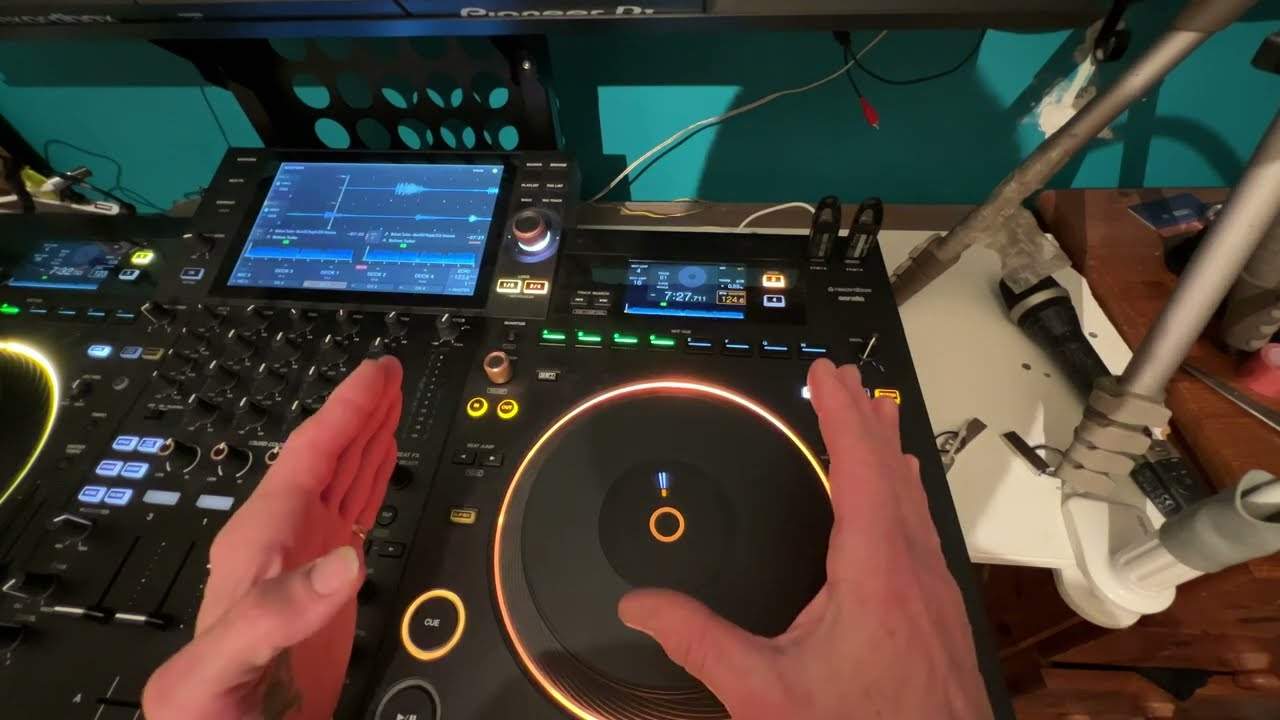
So we'd have the first beat there. Now when you form a loop from the first beat, there's no need to start the loop. All you've got to do it or should I say begin the loop? All you've got to do is finish the loop so there's no need to press the in. All you've got to do is press the out. And what I'm going to do, I'm gonna press the out after one bar. One, two, three, four. One, two, three, four. Three, four. Now that is my loop. So how do we then get that one, bring it in on the count of one at exactly the right time we need to bring it in with the next track? I'll show you. So imagine now we have got the crossfade over and this track's playing.
3:42 I would do, I would find
The next thing I would do, I would find a point just before or eight, sixteen bars. It's entirely up to you. Before the point where I want to bring that track in. What I would do then, I would start to play that loop and listen to it on my headphones over this track. So I'll give you a demonstration of that with both tracks playing. I'll bring the volume down and the volume up on the right hand side. The volume slightly lower on the left hand side. I'll give you a demonstration of what. You will hear on the headphones. This is what you're really hearing on the headphones. Right, I'm going to put my headphones on now. Crossfade over. Now all I'm doing now, I'm making sure that loop is in perfect time. Volume up.
I'm going to bring the crossfade over. Here we go. So as soon as the track is ready to come in, I leave it at one bar and then I press out. I hope you get that. The main point here, very important is when you get to the stage where this track will come in. You want it to come in. You need to wait for it to finish the one bar and then press out. Don't press out as soon as you want it to come in because you will be one bar out. That's really important. So in brief, two volume, two channels up crossfade over. This one is playing. The other side will be having its loop. Its loop will be . You try doing this and not editing it.
Sorry. Right, so this track will be playing underneath this track here. You formed a loop. As soon as the break comes in and you want to bring that track in, crossfade straight over. Of course it's in time because you have made sure it's in time with the loop. And then as soon as that first bar has played, you press out. And this track then will come out of the loop and carry on playing. Practice and enjoy. Thank you very much.
This transcript was produced automatically from the audio of the video and may contain mistakes.