 1:42
DJAY App Video 8 PITCH BEND icons Demonstration, Tutorial
Contents of the video
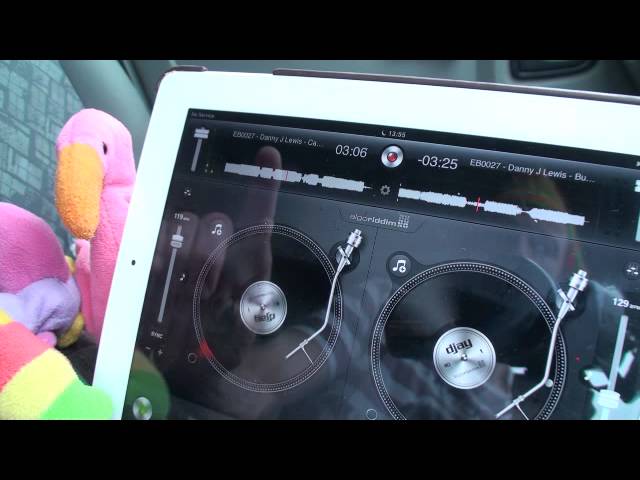
Alright guys, video number 8 on this app known as DJ. It's from a company called Algorhythm. In this video we're looking at two icons just below the sync icon, below the pitch control. Two icons we're looking at is a plus and a minus. Now the pitch control will increase or decrease the speed of the tune. I'll give you an example.
What we can do with the plus or the minus is we can do near enough exactly the same as the pitch. We can increase or decrease the speed of the tune. The difference is when we're utilizing the plus or minus, we will increase or decrease. As soon as we take our finger off that icon, it will go back to its original speed. Very important. So if I slow it down here, have a listen if I press the plus, take my finger off. Goes back to the original speed and minus, slows down, off, goes back to the original speed that the pitch is set to. Very important. The track you're listening to by the way is by Mr Danny J Lewis. Check the link in the description. I'll speed the pitch up, press the plus, press the minus. Have fun, practice and enjoy.
This transcript was produced automatically from the audio of the video and may contain mistakes.








