 9:53
Interactive DJ Lesson on Mixing in BPM and Key
Contents of the video
0:00 By the way, these headphones are terrible
All right, ladies and gentlemen, a while ago I did the... By the way, these headphones are terrible. I can't hear a thing out of them. Don't know what's wrong. A while ago I did the world's first interactive tutorial over the web where the DJ was working with me. You can work with me and we mix together. In this one I'm taking it the next step. What you will need is you'll need some form of DJ mixer, you'll need your music source, whether it be just one turntable, one CD player, even your PC program if you want to. And if you are using a PC program, you'll have to bear with me and you'll have to try and work it out for yourself because I can't really think about how to do it at this precise point in time.
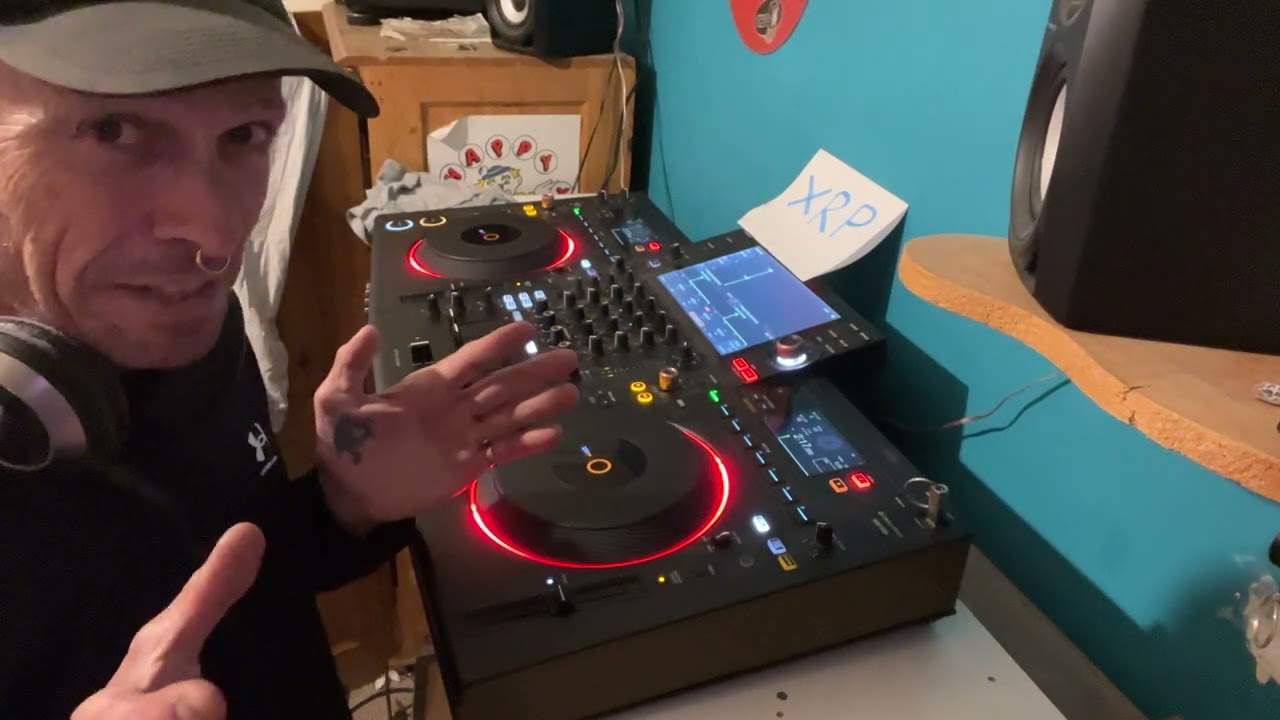
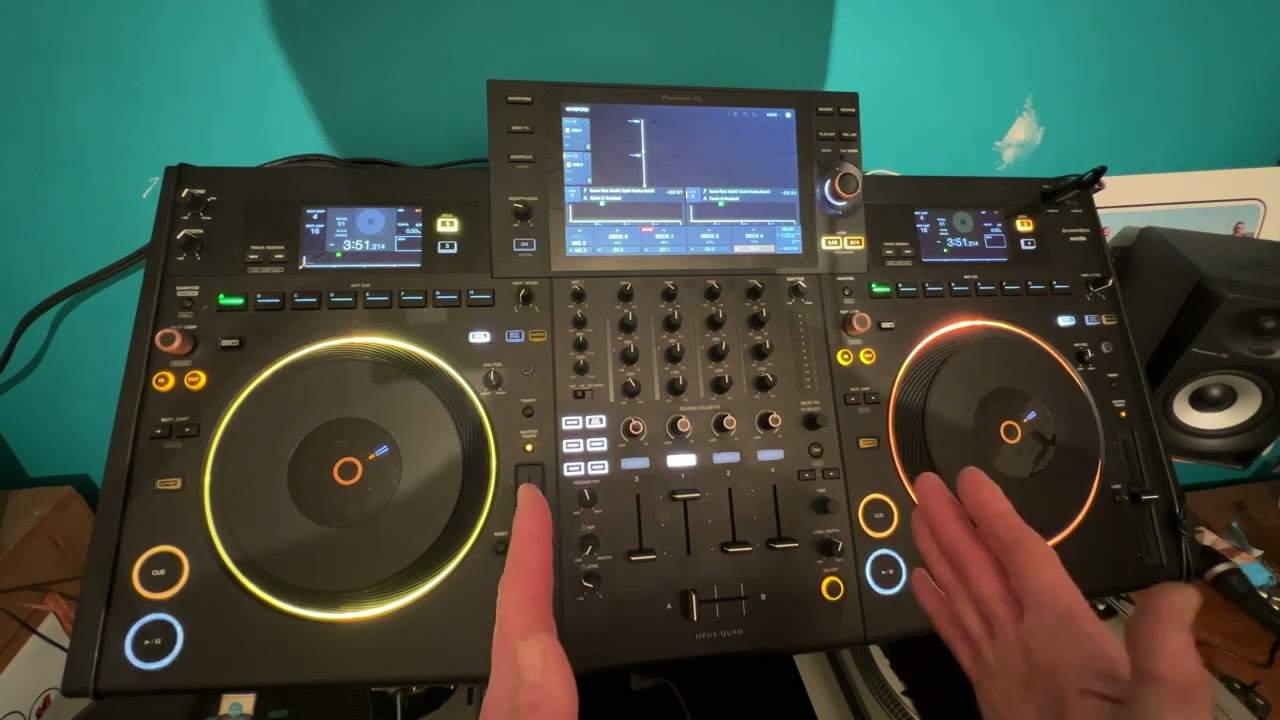
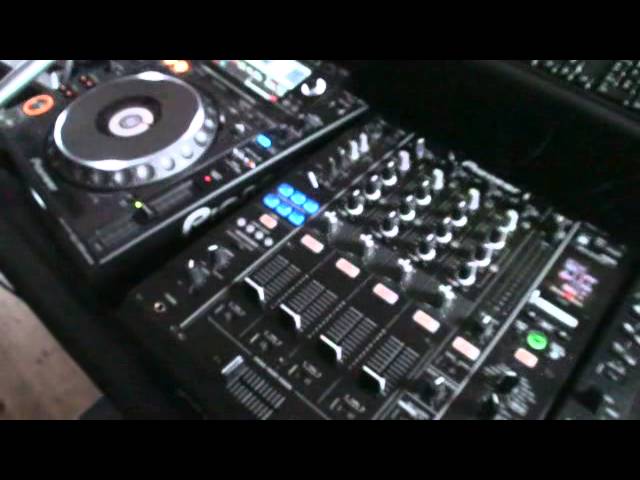
But if you are using an external mixer, you will need a mini jack that looks like that to an RCA cable. So it's the sort of thing that you would plug into your iPod or your iPad. That side then would go into an external amplifier so you can... you know, you can listen to your music rather loud through big speakers instead of tiny little squeegee ones. OK. So what I want you to do as well is I want you to go from your PC into your mixer. So from your PC you will use the mini jack out of the headphones output. And then you'll go into your mixer either RCA, auxiliary or line into the back of your mixer. So what I'm going to do, I'm just going to move the camera. And... We'll have a closer look at the mixer and I'll explain exactly what we're going to do.
Now, the track I'm using is Heads Will Roll. It's the A-track remix and it's in the key of A1. Very important. Try and find a track that's in the same key because we need not only a good BPM transition, we need a good smooth musical transition as well. Now you'll see at the moment I've got this track here in channel 2. What I want you to do is I want you to take your RCA cable that's gone from your PC and plug that into either channel 1 or channel 2. It doesn't matter. So what you'll be doing is when you watch this video again, you will be able to put the volume up and you will be able to then hear this track through the channel of your mixer. Now what I want you to do as well, I want you to then find another song in the key of 1A and get that ready on channel 2.
2:32 I'm going to play that track
Now this will work, but it will only work if you stick to these three rules. One is that you've got to make sure that you've got this audio coming through one channel of your mixer and you can do that exactly how I explained from your headphone output from your mixer into the line-in auxiliary or CD in of one channel and then the other channel then should be ready for the track that you're going to mix in with this one here. Make sure that the track you've got is in the key of A1 and also make sure that track is at 132 BPM. Now, how is this going to work? I'm going to play that track. I'm going to have a little count in. I'm going to play it. I'm not going to do anything at all changing the BPM. I'm not going to change the BPM.
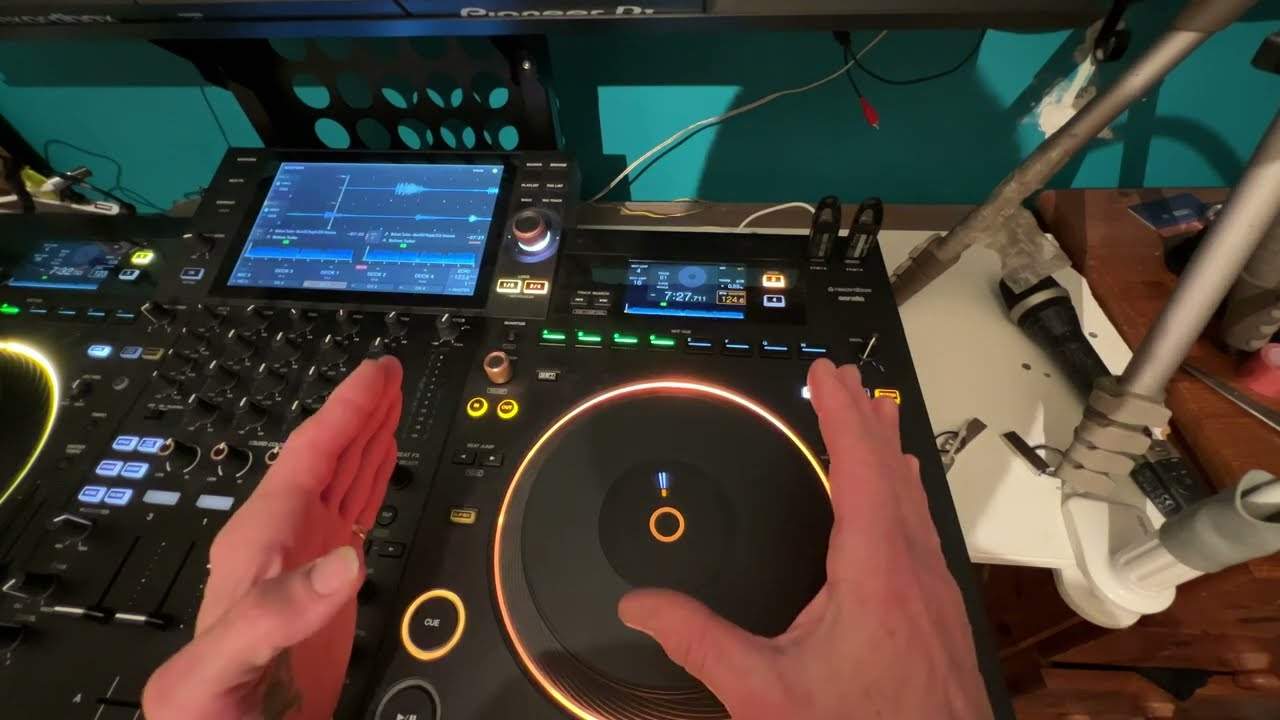
At all. What I'm going to do, though, at some point, I'm going to bring the volume out on this one. Sorry, beg your pardon, because that's the track that we're listening to there. During the time just before I bring it out, I'm going to start to decrease the bass, maybe decrease the mid, increase the treble now prior to that you should have got your track ready and you should have got your track or you should have started to get your track to mix in with mine. Through your headphones. And then when I tell you, bring the volume up and then you need to maybe start to increase the bass, increase the mid, the treble, perhaps while I'm decreasing the bass, decreasing the mid, decreasing the treble. Now, I will slowly bring my track out.
You'll slowly bring your track in. Now here is the deal. This is the big part. I'm only going to have my track out for maybe 10 seconds and then I'm going to bring it back in now. The object of this exercise is to make sure that your track is still at the same BPM and still in time. Now, there may be vocals over vocals, but a good way of not making sure there's vocals over vocals is to maybe choose an instrumental break in your track or maybe the beginning of a track or the end of a track where there's just maybe a beat in the bass line. Now something as well that is very important. Hello, I'm still here. Is you've got to make sure that the web isn't lagging. So make sure that little line at the bottom of along there,
5:35 Four three, three four
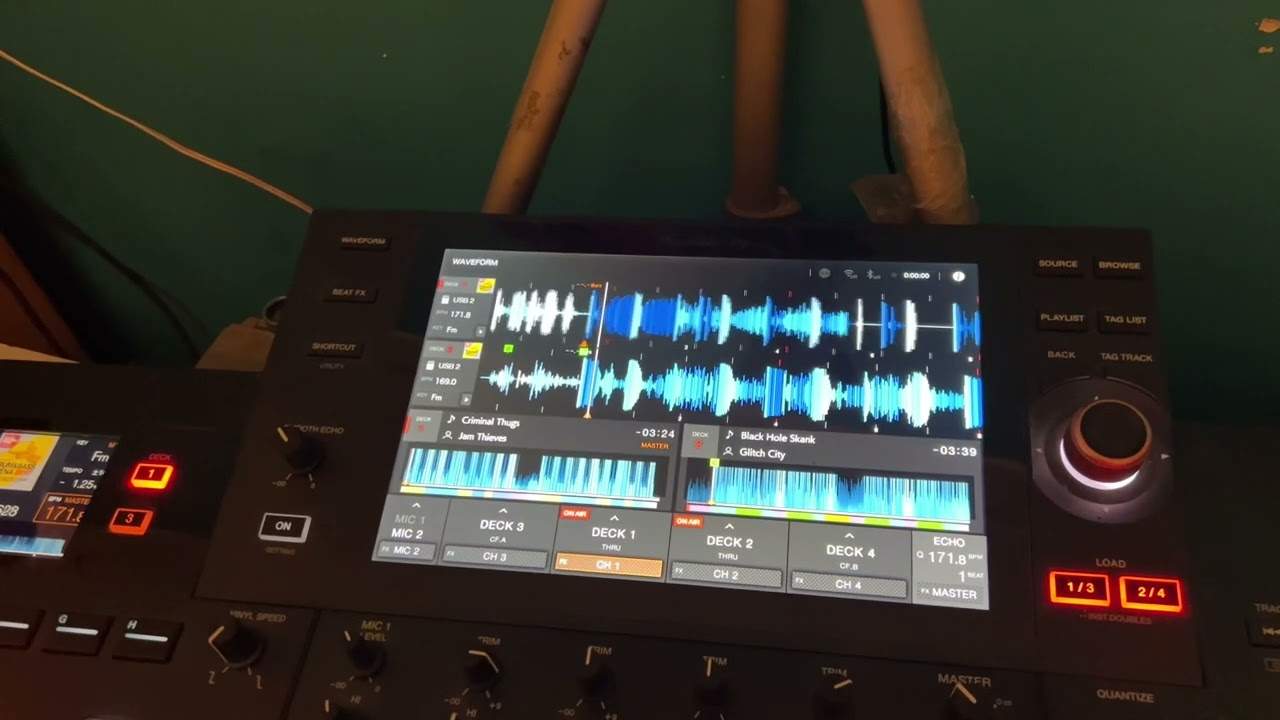
The bottom of the screen is all the way to the end so that the video won't stop. If it does stop, then it's going to be out of time. So first of all, we'll give it a trial run. Now I've let I've taken this track halfway through and there's a little bit of an introduction before we start getting into counting one, two, three, four. And I'm going to count one, two, three, four. The first time I do this, I'm going to talk you through what you should do the next time. I'm going to shut up. I want you to watch me on the bass, mid and treble, and I want you to do as I'm going to tell you to do now. So here we go. And one, two, three, four, one, two, three, four, one, two, three, four, one, two, three, four, one, two, three, four, one, two, three, four,
One, two, three, four, one, two, three, four, one. Now I'm going to slowly take out and while i'm doing this you should be starting to mix your tune in also what you should start to be doing is you're mixing your track in increasing the bass on your track
Face that even more leave it there we want the two tracks working together correctly now in beat in time now i'm going to slowly fade mine out and i want you to keep yours playing great idea maybe just to have an instrumental okay now all i'm doing now is i'm watching the leds
Your track should be playing now this one's still going on i haven't touched it in any way i'm now going to bring this back in and if you've set the bpm correctly it should still be in time
We're going to do the opposite now i'm going to bring my bass in you take your bass out
Here we go right so this time i'm going to do exactly the same thing i'm not going to talk at all maybe it might be slightly different i may bring the volume down a little bit sooner a little bit later but it's up to you to watch and interact maybe watch it again so you know exactly what you're doing so here we go so press play
That's been a help another thing to consider as well is because i'm bringing the volume down on my mixer here now there is no need to bring the volume down on this track that's playing through the pc because i'm doing that action so you can leave that volume up all the time the only volume you need to mess around with is your own all right i hope that's been a help and let me know how you get on practice and enjoy
This transcript was produced automatically from the audio of the video and may contain mistakes.