 1:00
PACEMAKER. Tutorial, changing the speed/pitch of a track
Contents of the video
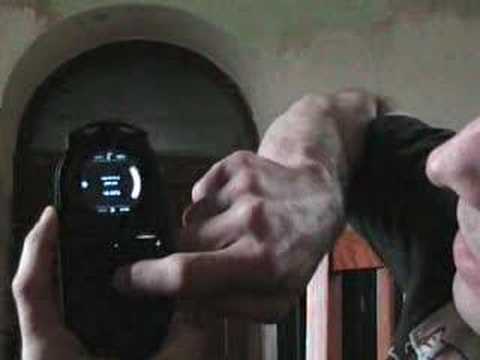
Alright folks, another video for you, a basic video on showing you different facets of this guy here, it's known as the pacemaker. In this video I'm going to actually show you how to decrease and increase the pitch, the speed of an individual track. So first what you need to do is you need to select the deck that you want the speed to increase or decrease. To the side of the unit you've got a button there. You need to press that upwards and then with your finger around the side of the bottom circle, you can now increase by moving your finger clockwise. You can increase the speed and by moving your finger anti-clockwise, you can decrease the speed while your other finger is still pressing up on that button. Practice and enjoy!
This transcript was produced automatically from the audio of the video and may contain mistakes.








