 4:10
Tribe VR Lesson Two for the New DJ, What Is Beat Matching All About?
Contents of the video
0:00 Exactly what's going to happen
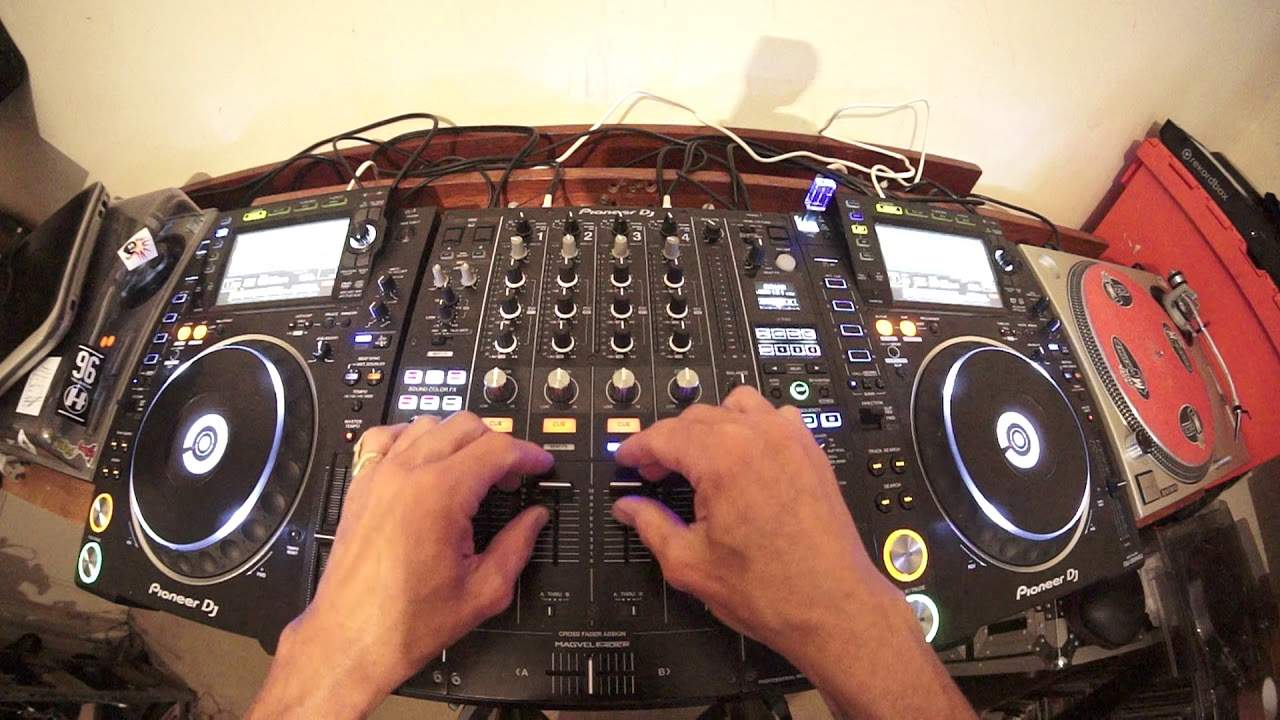
Hi, my name is Jonathan Ellaskins and this is video number two for the tribe crew, for the people who want to start learning how to DJ using virtual reality. Now in lesson one we looked at what kit you need and also how to set your kit up. In video number two what we're going to do is talk about exactly what's going to happen. It's very important you understand what you're doing Before you even do it, if you understand what's happening and what's going on, then you will be able to understand when you're making the correct moves but also when you're making the wrong moves. Now I have got the same track on the right hand side as I have on the left hand side as explained in video one. The track I'm using by the way is from Karmic Power Records.
0:56 Eddie Amador, a track entitled Lord Hear Our Prayer
Eddie Amador, a track entitled Lord Hear Our Prayer. There will be information in the description. Also there will be a link to the Tribe website. Now what I've done is I have set up the same track on both sides at the beginning and again if you're using the likes of CD players you can use of course CD. Make sure it's the same file. Alternatively You can use an MP3. If you're using the likes of a laptop and a controller, make sure that you're using the same file on the right-hand side as the left-hand side. If you're using vinyl turntables, make sure you're using a copy of the piece of vinyl on the right that's exactly the same as the one on the left. Now also what you need to make sure... You have done with your kit is that the pitches are set to the centre position. Now, what you need to do is make sure the volumes are set up to the same position on your up-faders, the crossfaders in the middle, the bass mid and treble and the trim are all at the same position. You also need to make sure that the LEDs aren't tapping into the red. Make sure you've got a good audible volume, not too quiet and not too loud.
2:34 It is underneath my right hand
So, what are you going to be listening for? Now imagine this. My two hands. Imagine a mirror in between my two hands. We have a mirror image. Now if I place my right hand over my left hand... And put my two hands towards the camera. It's now, it almost looks as though my left hand has disappeared but it hasn't. It is underneath my right hand. If I slowly move my fingers away from on my right hand from my fingers on my left you can now start to see my left hand and as I move them the fingers seem to disappear Then appear again, depending of course on if my right hand is completely overlapping my left hand. Now imagine this as being the right deck and the left deck. What is happening is the two tracks, if they were being played at exactly the same time, will overlap each other so you will get to hear only one track.
Now that is the key. You won't hear an echo, you won't hear a sort of a jumping sound as though you've got beats that are overlapping each other in a weird way. All you should be able to hear if you were able to see this visually is one hand, one track. Now there is more to it than that and I will explain in video number three. This is video number two. For Tribe, the VR crew, don't forget there is a link in the description that will take you to the Tribe website. Practice and enjoy. Thank you very much.
This transcript was produced automatically from the audio of the video and may contain mistakes.








