 1:42
Setting a beat grid, and using sync honestly
On YouTube this video is called Virtual DJ Advice on Setting Beat Grid and SYNC BY Rob
What this lesson teaches
A short exchange with a friend at a laptop, and it exposes something about sync that almost nobody is told.
What they are looking at
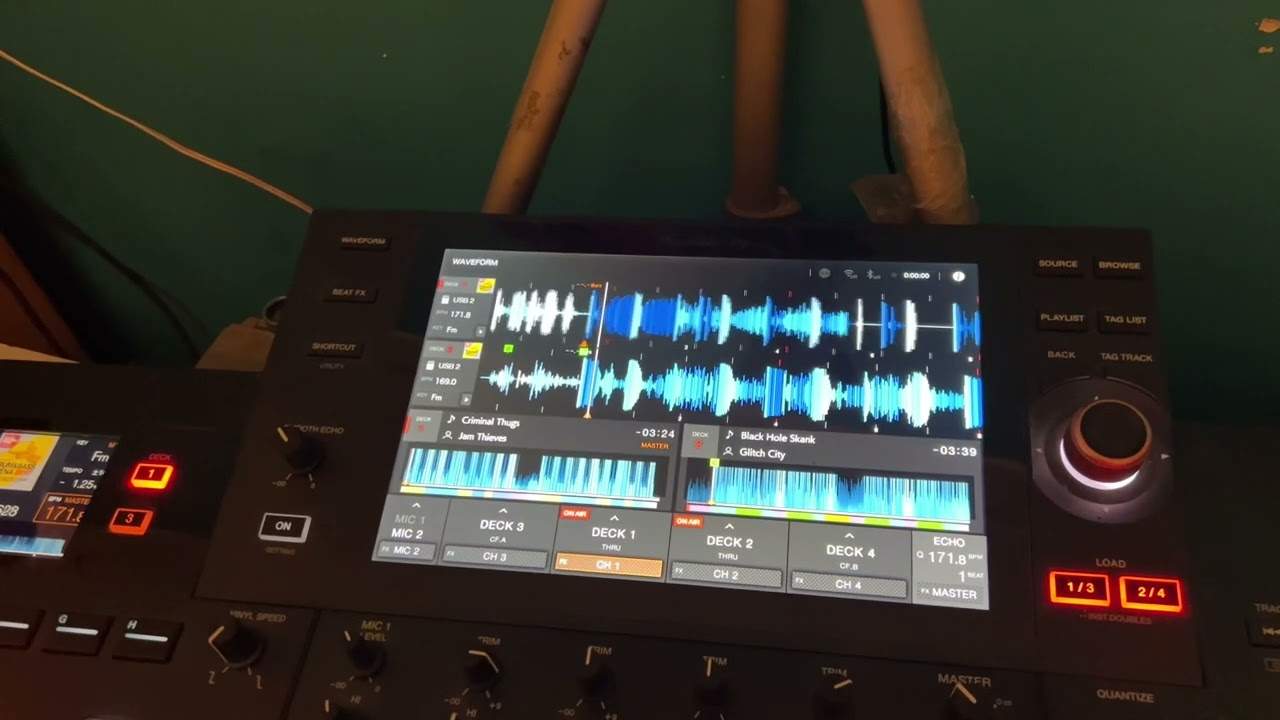
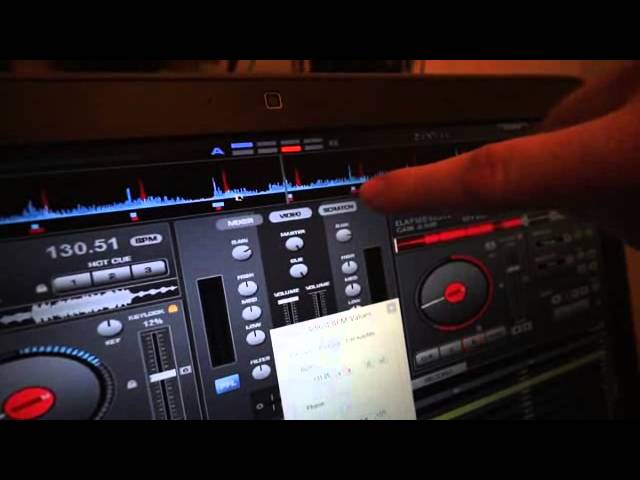
Two tracks, both showing 130.51 BPM. Sync pressed. You would reasonably expect them to be in time.
They are not. The waveforms are visibly out, while the grid markers line up perfectly.
What sync actually does
Here is the explanation, and it is the point of the lesson.
Sync matches the grid, not the music.
The software analysed each track and decided where the beats are, writing a grid of markers. Sync then aligns those grids. If both grids are correct, the music lines up. If the software put one grid in the wrong place - a beat early, or on an off-beat, or half a beat out - then sync will align the two grids beautifully and the two records will be audibly wrong.
And it will keep them wrong, confidently, with the BPM readouts agreeing to two decimal places.
The fix
Open the BPM window and slide the grid so the markers sit under the actual beats of the waveform. The waveform stays still; the grid moves.
Get the grid under the beat on both tracks, and sync now does what you thought it was doing all along.
The broader point
This is the clearest demonstration in the curriculum of why the ear-training matters even if you intend to use sync.
Sync is not a measurement of the music. It is an alignment of the software's opinion about the music, formed by an algorithm that is usually right and sometimes not - and it is wrong most often on exactly the material that is hardest to analyse: live drums, tracks that drift, anything with a long or unusual intro.
A DJ who can hear that the mix is out will notice within a bar and fix it. A DJ who trusts the button will play the whole thing out of time with two matching numbers on the screen.
So check your grids when you prepare, and keep listening when you play.
Contents of the video
All right, Rob, just explain to us what we were doing again.
Come on, you can do this, mate. All right, let me just bring that down. All right, so we're on VirtualDJ and what's this here? Right, what we've done, we've synced the two tracks so that they've both got the same BPMs. They're both showing 130.51, which you would think when you press the sync button that they would be in perfect time. But if you press it while they're both playing, what you'll actually do is match up the grid points here. So as you can see from the waveforms, they're not actually in time with each other, although the grid points match up. The program synced them, but it hasn't accurately analysed it. So what you can actually do is using this window here... How do you get to that window again?
Just in BPM windows, click on the BPM button. Yeah, and it'll open up the window. Yeah. What you can do is move by sliding this controller here. Yeah. You can move where the grid point is. If you look at the top waveform again... Yeah, I've got you. The waveform itself is staying still, but you're altering the grid points. Right, got you. So you can put the grid point right under the beat for that one, match it up with the other one, and then you know when you press your sync button... The waveforms, the peaks, the beats will be in line with each other. Perfectly in line. All right, all right. Thank you very much. So cheers, Rob, mate. Practice and enjoy. Nice one.
This transcript was produced automatically from the audio of the video and may contain mistakes.