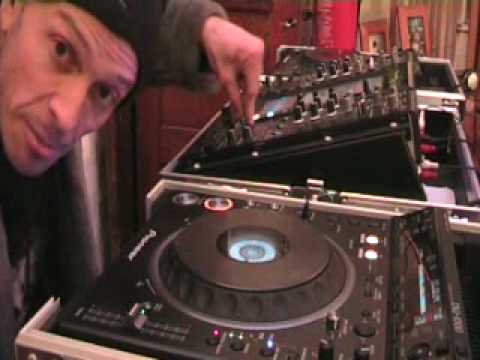
 10:41
An interactive beatmatching exercise
On YouTube this video is called Worlds 1ST Ever Interactive DJ Beat Matching Tutorial
What this lesson teaches
He thinks this might be a first and it is certainly unusual - a tutorial designed to be used with your equipment running rather than watched.
How it works
Put your computer where you can hear it next to your decks. His track plays through the computer speakers; your record plays through your PA; you beatmatch yours to his while he talks.
He tells you the BPM in advance - the first is 126 at centre - and then narrates what to do while the track runs. You pause and rewind as needed to get set up.
Why the format is worth trying
Because the hardest thing about practising beatmatching alone is having nobody to tell you whether what you are hearing is right.
When two records drift, you can hear that something is wrong. Whether you have correctly identified which one is fast, and by how much, is exactly the judgement you are trying to build - and when you are alone there is no feedback except the sound itself, which is what you are unsure about.
A partner solves that, and most people learning at home do not have one. This is an attempt to be that partner through a screen.
The practical arrangement
Computer speakers either side, the PA next to them, so both sources arrive at roughly the same place and you are not fighting a delay between them.
Worth getting right. If his track comes from across the room and yours from beside you, the travel time between the two will be audible - and you will be chasing a phantom offset that is physics rather than tempo.
And the hidden benefit
You are matching to somebody else's record, chosen by them, at a tempo they set.
That is much closer to the real job than matching two records you picked because you already knew they worked. You do not get to choose what is playing when you take over from another DJ.
Contents of the video
0:00 This is, I suppose, in a sense, the fun thing about this video

Alright folks, a bit of a first here I believe on the web but we'll see how it goes. Now this particular video is a tutorial but also it's me hopefully working with you while you watch this video so at some point while I'm talking maybe you might want to sort of rewind it and pause it get all your kit ready but how about this How about we work together? Now, I've got a track on there. As usual, if you want to know the name of the track, look in the description to the side of the video. This is, I suppose, in a sense, the fun thing about this video. What I'm going to do, I'm going to play a track, I'm going to tell you the BPM, all things about the particular track, and then I'm going to tell you what to do while you're listening to the track. So theoretically, what you need to be doing is you need to have your PC by your decks.
You need to have the speakers. This is the deal. Listen, pretty wacky this but hopefully it'll work. What you need to do is to have your speakers from the PC while you're watching me either side of you and have your speakers from your PA system next to those. Now think about it, we could get something pretty wacky here but what this particular video is about is helping you and teaching you how to beatmatch because guess what? Hopefully I'll take it to the next level because I can talk to you and work with you while you're hopefully getting a beatmatched. Think about it, it might work. Right, track here now is set at the centre position and it is at 126 BPM. So the first thing you need to do is you need to make sure your track on your CD player or...
PC program, even if you've got a vinyl turntable, at the end of the day all you need to do is listen to the beat for a while and then set it so you can hear the beats very similar. Alright? I'm sure, you know, you'll understand where I'm going hopefully very soon. Alright, so 126 BPM. Now what I'm going to do now, and by the way I'm going to start it now so of course logically... In between the time I started to talk, or when I started talking, and to this particular point, you could stop, pause, rewind. So theoretically now, you should have your kit ready. Come on, get your arse in gear. Right, here we go. What I'm going to do, I'm going to count you in. I'm going to count 1, 2, 3, 4, bosh! On the count of one, the second time I hit number one, I want you to press play. Here we go.
2:43 One, two, three, four
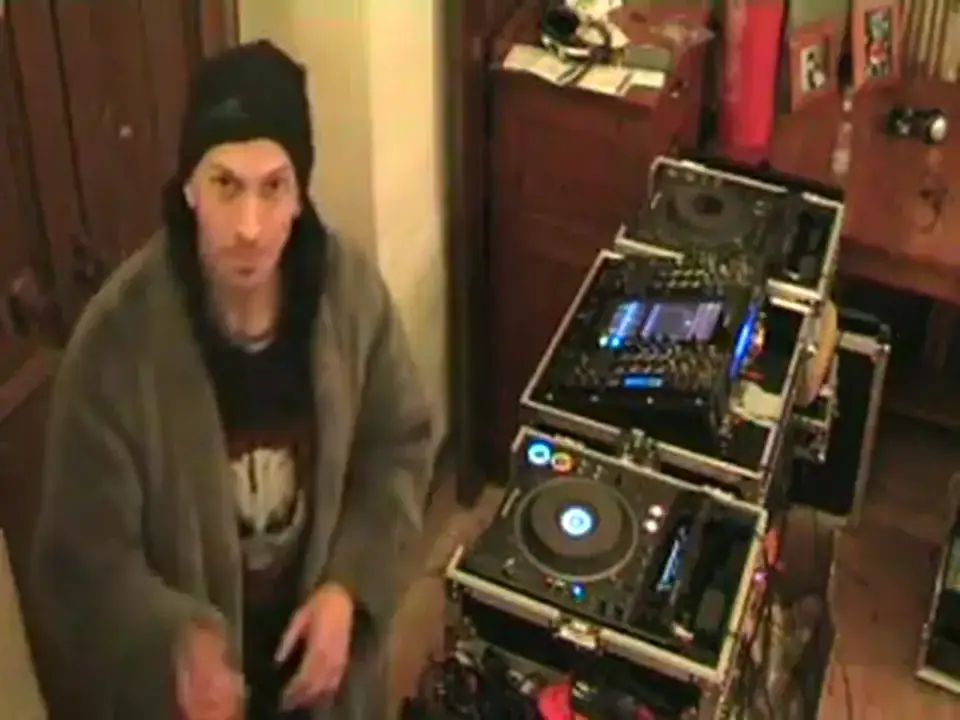
One, two, three, four. What I'm going to do now is I'm going to play this track again and I'm going to say nothing. What I want you to do is I want you to keep your fingers on the pitch control, completely ignore the bass, the mid, the treble, the gain. What matters for beatmatching is the pitch. Keep your fingers on the pitch. And again, I'm going to count to four. When I get to number one... The second time, that is when you will hit play. In other words, I will say something like this. One, two, three, four, one. And at that point, second one, you hit play. Here we go. One, two, three, four. Punk TV, guys. Right now, I have been a drummer for quite a while. I'm not brilliant at playing drums. In fact, I've done quite a few tutorials and a lot of people think they're crap. Some people think they're good and I don't really care actually. But...
5:07 What you find with drumming is you get really good timing
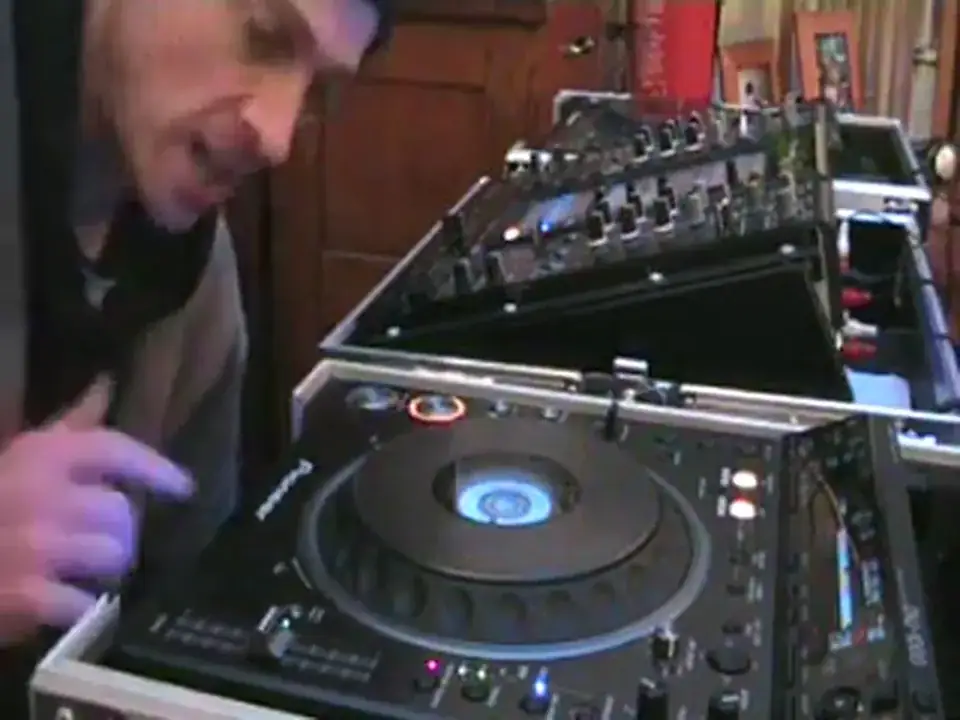
What you find with drumming is you get really good timing. Now what I'm going to do here, I'm going to do exactly the same as I did earlier on. One, two, three, four. One, two, three, four. But the difference is I've got the slider here. What I'm going to do is I'm going to move the slider down. You're asking why? There's a reason. We're going to play this track here. I want you to get your track in beat with this. I'm going to move my slider down and then I'm going to bring it back up. Do you know why? The reason being is because if you've got your track in beat with this, when I bring the slider back up, it should still be in beat. So, second, no, third time around actually, yes, third time around on the count of one for the second time I want you to bring your track in again. So again, I'll explain. One, two, three, four, one and that's where you bring your track in.
7:30 One, two, three, four
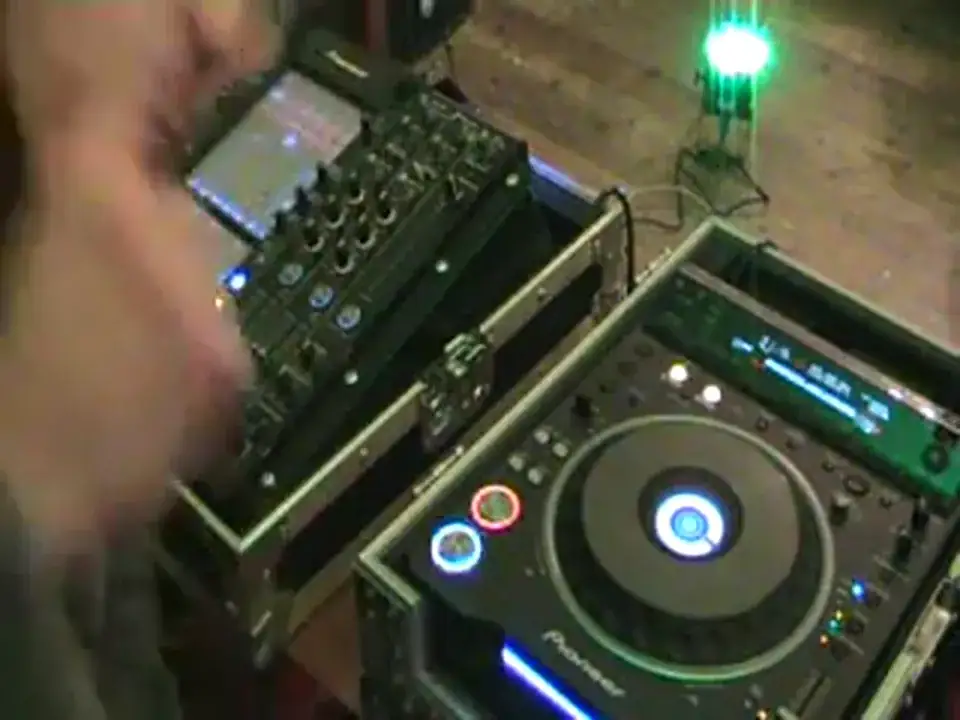
On the second time I count number one. As follows, one, two, three, four. You're trying to get your track in beat. Keep your track going. This video is all about interaction. Me teaching you, you hopefully interacting with me. You could be the other side of the world. Doesn't really matter. The main thing is let's get those ears used to matching those beats. Right, third lesson now. Okay, exactly the same here. I'm going to count. One, two, three, four. On the second time I count number one, I want you to hit play. Slight difference here. Once I've given you a little bit of time to get it in beat, then I want you to copy me bringing the volume down and taking the volume back up. Now there's a reason for this. It's because all of a sudden we've both lost the beats. No sound, nothing at all. But, theoretically,
If we bring them both up roughly about the same time, we could be very slightly off. Theoretically, the beats will still be going. That is the important thing. Also, the way the web works, have a look at that little red bar underneath here. And if it's sort of slowly moving along, maybe you need to just press pause so you've got that red bar, so theoretically then everything is uploaded, ready to go. That's very important actually. Right, here we go! I have got my volume up on the mixer. I am now ready to press play. Second time I count number one. Here we go. One, two, three, four. One, two, three, four. One, two, three, four. One, two, three, four. What I'm trying to do is take hopefully the art of teaching on the web to the next level. Maybe try and make it slightly more personal. It's all well and good me saying do this, do that, but if I can actually...
Thank you very much indeed and as ever worldwide, practice and enjoy.
This transcript was produced automatically from the audio of the video and may contain mistakes.








