 6:17
Beatmatching made easy to understand
On YouTube this video is called Beginner DJ Mixing Lesson Beat Matching Made Easy to Understand
What this lesson teaches
Beatmatching is the skill everything else rests on, and it is usually taught as a matter of feel: keep practising and one day it clicks. This lesson is more useful than that, because it names the exact sound you are listening for and gives you a rule for turning that sound into a decision about which control to touch.
Why there are no headphones
Normally you cue the incoming track in one ear while the room hears the other. For learning, that split works against you - you are trying to judge how two things relate while hearing them in two different places. Running both tracks out loud through the same speakers puts them in one sound field, and the interference between them becomes impossible to miss.
The sound you are listening for
When two copies of nearly the same rhythm play together, what you hear depends on how far apart they are.
Far apart, you hear two separate beats - each kick arrives twice, distinctly. He calls it a train crash, and it is unmistakable.
Closer, the two kicks blur into a single thickened beat with a tail. That is the echo stage.
Closer still, the sound goes strange: hollow, slightly metallic, with a high ringing edge to it. That is phasing, and it is the target. It happens because the two signals are now near enough to interfere wave by wave rather than beat by beat.
The most useful moment is the instant you bring the second track in. If phasing is there straight away, the two were already close. If you get a second or two of echo first and only then the phasing, they were not - and how long that took is already telling you how far out you are.
Two controls doing two different jobs
This is the distinction the lesson is really built on, and it is the one most beginners miss.
The jog wheel changes where the track is. Nudging it slides the track along in time, so it fixes a track that is in the wrong place.
The pitch fader changes how fast the track runs. It fixes a track that is at the wrong tempo.
Confusing the two is why a mix can be nudged into line over and over and still fall apart. A tempo error cannot be corrected by moving position: you will pull it into place, and it will drift straight back out, because the two tracks are still running at different speeds.
The rule that makes it click
Here is the part worth committing to memory. The direction you keep nudging is a diagnosis.
If you find yourself repeatedly nudging the jog wheel forwards, hurrying the track along to catch up, then that track is running slow and the pitch fader needs to go up.
If you keep nudging backwards to hold it off, the track is running fast and the pitch needs to come down.
One nudge on its own means nothing - tracks drift, and a single correction is normal. A pattern of nudges in the same direction means the tempo is wrong, and tempo is the fader's problem, not the platter's.
How much to move
Very little. At this stage pitch adjustments are a fraction of a percent and jog nudges are a touch rather than a turn. The instinct when something sounds wrong is to make a big correction, which overshoots and leaves you hunting in the other direction. Smaller moves, more often, and let the phasing tell you whether you are getting closer.
Contents of the video
0:01 My name's Jonathan, also known as the DJ Tutor
Alright guys, my name's Jonathan, also known as the DJ Tutor. This video is going to teach you how to beatmatch so perfectly, you're going to be like, oh my god, but there's nothing better than the real thing. I will be in Dubai next week for two weeks, so if you're interested in getting taught by me and learning the very basics and also some tips and tricks that will make you go boom, then get in touch with the Dubai DJ Academy and I'll put the Facebook page down there. Sign up, come and get taught by myself and we'll have a go on lots of interesting kit. You can ask me questions and instead of watching a video and wondering what you're doing, I'll tell you there and then. So check out the Dubai DJ Academy and go and get involved right now. So how can we learn how to beatmatch? First of all as well, without any headphones. So no need for headphones.
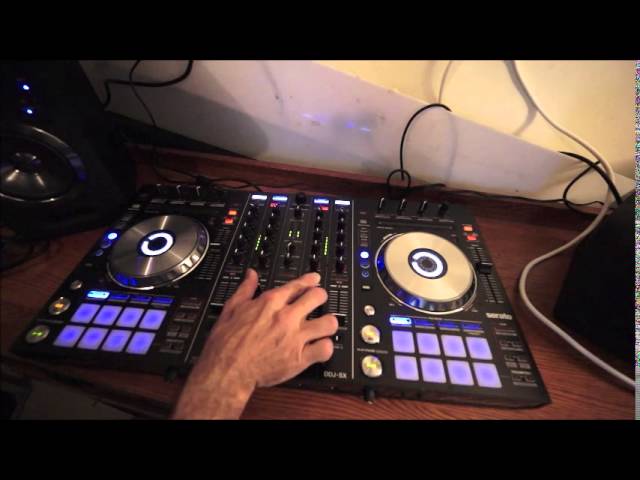
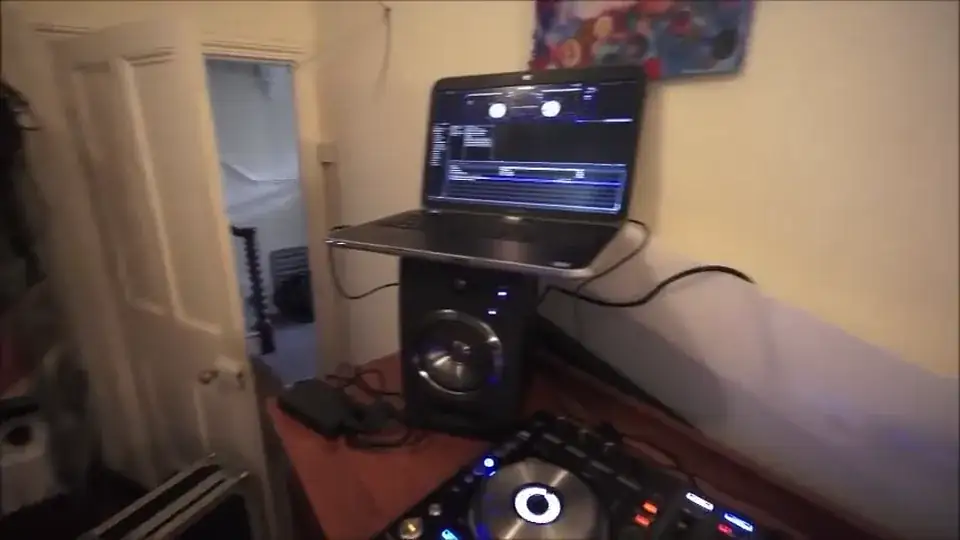
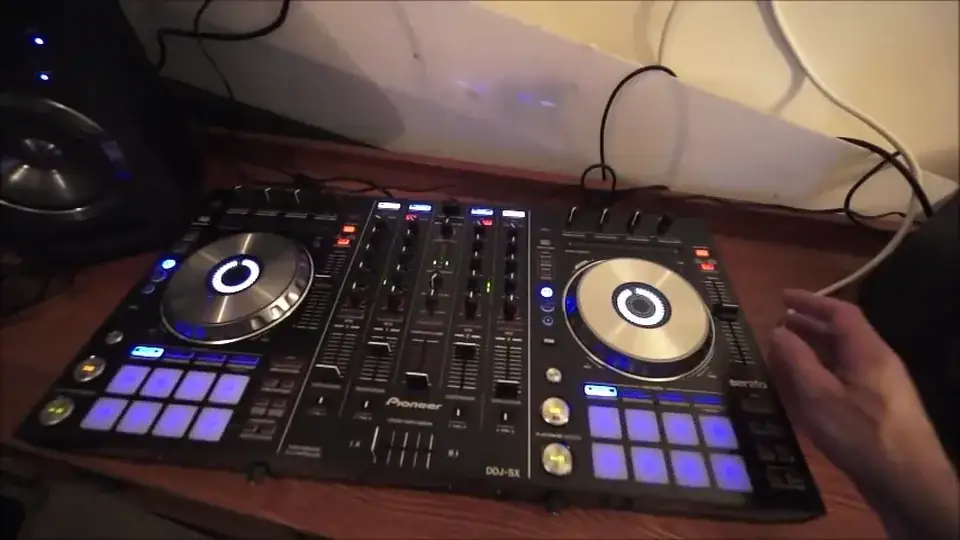
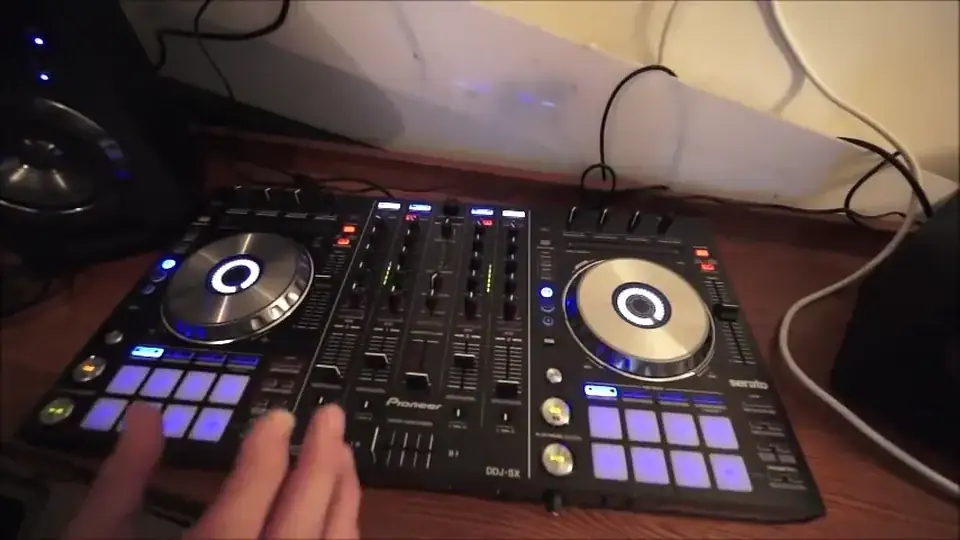
Right, what I'm going to do is I'm going to turn the camera and have a look at a piece of kit. We have in front of us the Pioneer DDJ-SX. So, I'm just going to move the screen so I can see what I'm doing. The tune we're using by the way is by a very good friend of mine, Mr Kenny Hectic, even though I've never met him. That sounds a bit bizarre, but he lets me use his tracks. So, have a listen to this. Manzy Mama, it's the Kenny Hectic remix. No, no headphones. What we're listening for is a sound known as phasing. This is when you almost start to get a really high kind of pitch in the track. First of all press play, if you hear any noises in the background that's my little boy. So I'm going to press cue, make sure the track is cued up, start them off together at the right time. Now they're both playing at the same place but can you hear the time we're after? It's the phasing sound.
2:17 The phasing sound didn't start straight away, the phasing sound appear
The phasing sound didn't start straight away, the phasing sound appeared. That tells me that they're not in beat. If the phasing sound would have appeared as soon as I pressed the other track in then they would have pretty much been in beat to begin with but listen now, we're getting an echo. Watch, move the jog wheel one way for more of an echo. That was the wrong way. Try it the other way. The code's starting to reduce. Now we're getting to that phasing sound. We've got the phasing sound. Because I'm moving the jog wheel clockwise, that tells me I need to move the pitch towards me very slightly to increase the tempo on the right-hand side. We've got that phasing sound again. Let's have a listen. Really bad now. Phasing again. So that is the sound you're looking for or trying to listen for. It's almost when the...
4:40 The track seems to sort of be very hollow and disappear
The track seems to sort of be very hollow and disappear. That's another way of describing it, it's like a hollow sound. And what you will find with that hollow sound is you'll get the train crash sound where the beats go... But slowly they get closer together... Until eventually they're so close together that they join because they're joined together like that. As though the phasing is going up a hill and down a hill. Now ideally you want to try and keep it in that phasing sound. Now this is where very slight movements are perfect. You don't have to move the jog wheel a lot, tiny amounts, but also you've got to remember if you have to keep on moving the jog wheel to keep that phasing sound in, that means you have to move the pitch accordingly to which way you're moving the jog wheel. So for example...
If you're having to always move the jog wheel clockwise, you'll need to move the pitch slightly towards you because moving the jog wheel clockwise indicates that you have to speed that track up. If on the other hand, you have to move the jog wheel anti-clockwise, then of course that indicates you need to slow the track down which means you have to move the pitch away from you to the minus position but tiny amounts. Hope that's been a help and by the way... I will see you in Dubai. Don't forget, go and check out the Dubai DJ Academy. Sign up and you can be taught by moi, alright? Practice and enjoy and see you where it's hot in Dubai. Thank you.
This transcript was produced automatically from the audio of the video and may contain mistakes.








