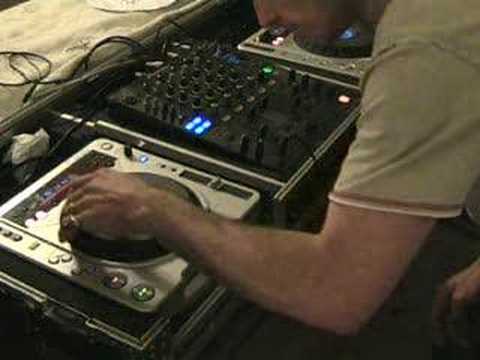
 6:21
Beat mixing for the total novice
On YouTube this video is called Beat Mixing Tutorial for the Total Novice DJ.
What this lesson teaches
Most beatmatching practice has a flaw - you are trying to learn a skill while also judging whether two different records even belong together. This drill removes everything except the timing.
Setting it up
You need two identical copies of one track. Two CDs, two files, two records, it makes no difference.
Then separate them across the speakers. If your mixer has a pan or balance control per channel, turn one channel hard left and the other hard right. If it does not, you can get the same result at the back of the mixer by pulling the right RCA from the left deck's input and the left RCA from the right deck's input.
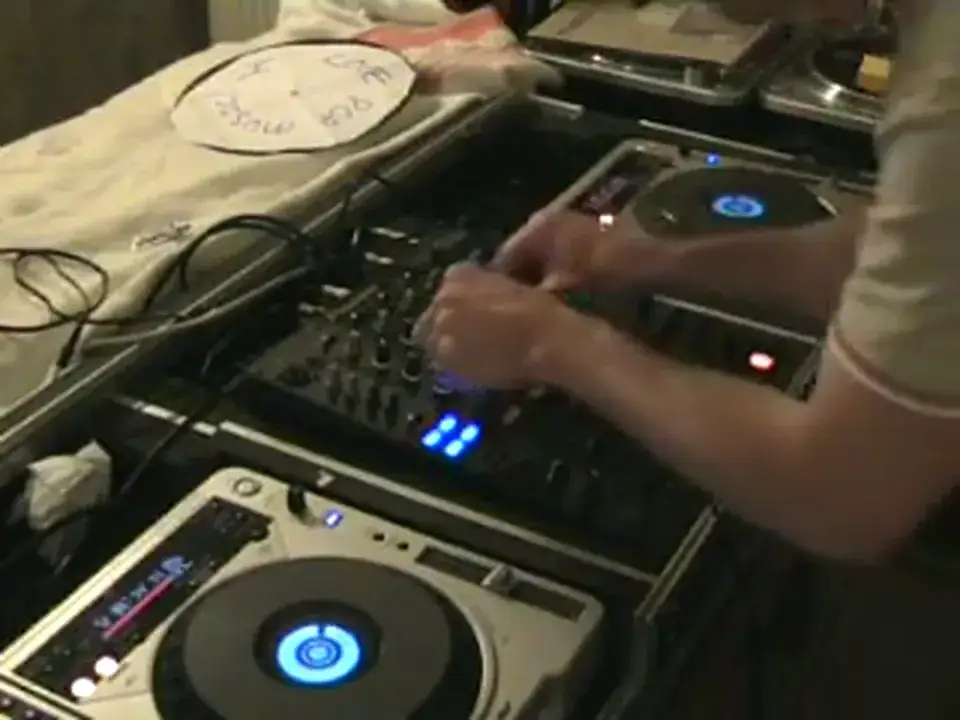
Set both pitch faders to zero and start them together.
What you are listening for
Because the two decks are hard-panned, your ears locate the combined sound somewhere in the space between the speakers, and where it sits tells you about the timing.
Out of time, the sound is split - you hear one deck on the left, the other on the right, as two separate things.
As they converge the image pulls inward, and when they are genuinely together the sound collapses into a single source floating in the middle of the room. That centred image is the target, and it is far easier to recognise than a beat.
At pitch zero with identical copies this should happen almost immediately. That is the point: you are learning what "right" sounds like before you have to work for it.
Making it hard, honestly
Now move one pitch fader - up or down, it does not matter - and here is the part that makes the drill work: cover the readout so you cannot see the number.
The temptation otherwise is to glance at the display, see +2.1, dial the same into the other deck and declare victory. You would have matched two numbers, not learned anything. The whole purpose is to teach your ears the sound, and a visible readout lets you avoid ever doing that.
Start them together again. The sound will drift steadily from one side towards the other as the faster deck pulls ahead. Your job is to bring it back to the middle and keep it there.
The rule, again
Use the jog wheel to pull the image back to centre, and pay attention to which way you keep having to push it.
If you are repeatedly nudging forwards, that deck is slow - raise its pitch slightly. If you are repeatedly holding it back, it is fast - lower the pitch. Small amounts; he is emphatic about not flinging the fader around.
When the image sits in the middle and stays there without you touching anything, the two are matched. Being able to hear that, rather than read it, is the thing you are actually practising.
Contents of the video
0:00 Your mixer
Alright folks, I have sort of broached on this subject before but here is another beatmixing tutorial for the total and utter beginner. First of all you will need two identical copies of a piece of music. Two vinyl copies, two CDs, two PC programs. Then what you need to do is look at your mixer. Have you got what is known as pan control on your mixer? You will have a dial exactly the same as your bass, mid and treble and either side you'll have a If you've got that, then that's the cat. This is what you need to do. You need, say your left-hand turntable, you need to move the pan to the L, to the left side. So now this channel here, which is on this CD player, now all of the sound will only come out of the left-hand side. Then the opposite applies here. This guy here is the right-hand CDJ. I would put the pan to the right
And then now the sound will only come out of the right side. If though you haven't got that, then this is what you need to do. You need to look at the back of your mixer and the actual CD player or your vinyl turntable which is on your left side, you will need to take out the right RCA cable out of the back of the mixer. So now you will only have the sound coming out of the left side from the left CDJ. Excuse me. The same applies with the right hand side but the opposite. What you will need to do, you will need to take out the left RCA, that's one of these guys here, the left from the right side. Now you will only have the right channel playing from the right turntable through the right hand speaker. This is what you need to do first of all. Set the pitch control dead centre.
1:56 I'm going to turn it up slightly
And if you've got a readout on your CDJ turntable, make sure it's all at zero. Set it like so. Now what I'm going to do, I'm going to take the right one out of this side, because that's the left, and I'm going to take the left one out of that side. Just check to make sure. Now the actual music from this one is only coming out of that speaker, and this one is coming out of that speaker there. So I'm going to turn it up slightly. Now, what you need to do first of all is, and this is where it gets quite clever, you need to start them off at exactly the same time. So if I just go out a little bit so you can see what my fingers are doing. That's a bit better. Here we go. Two, three, four. Now what you need to look for is a phasing sound where they almost join together. Now you can do that by just messing around with the jog wheel. No headphones are needed.
But the sound will sort of move from speaker to speaker. You need to get that sound dead centre. But bearing in mind, at the moment, the pitch is set to zero. So it's relatively easy. Right, I'm going to stop it. We're back to the beginning. Right back at the beginning. Now this is where it gets slightly more interesting. What I want you to do now is I want you to move your pitch control on one of them either up a bit or down a bit. It doesn't really matter. Maybe on this case I'm going to move it up. Now at this point, you could look at the readout and you could see you've moved it by plus say 2.1. Well then, if you then copied that exactly on the other side and looked at the readout, you would be cheating at this particular point because the whole idea here is to get your ears used to that sound moving from side to side. So what you need to do possibly is just cover that over so you can't see.
4:17 You've got to rely on these
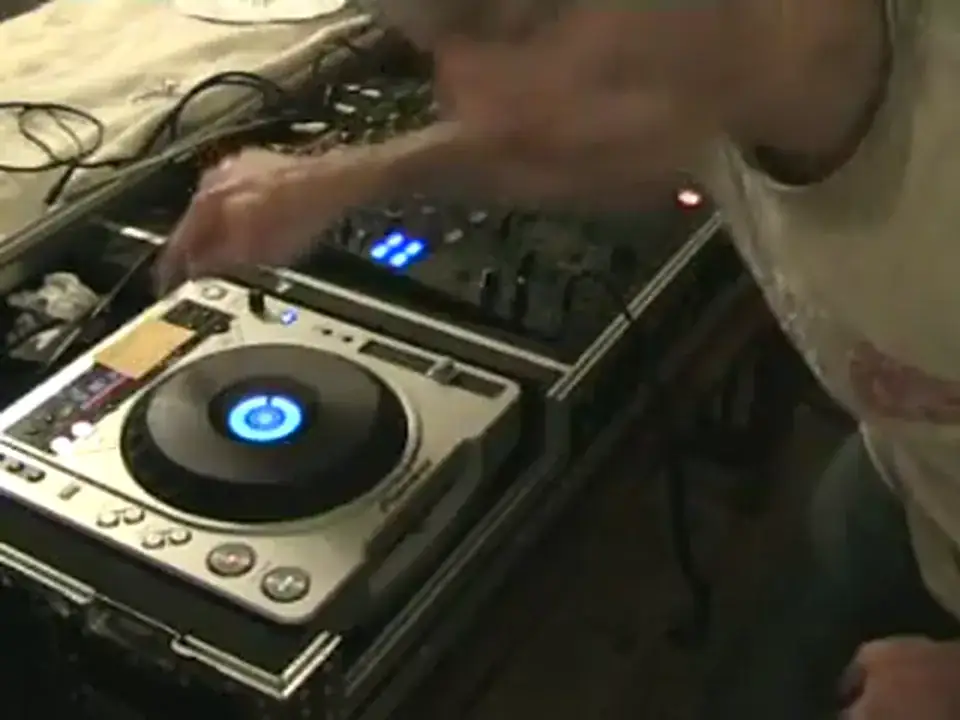
So you're not cheating because the idea, if you want to learn to beatmix, there's no point relying on that 24-7. You've got to rely on these. So I'm going to do exactly the same on this side now. I'm going to move the pitch up a tiny bit like so. Now I'm going to do exactly the same thing. I'm going to start them off at the same time and I'm going to listen to that effect whereby you'll actually hear, you will hear the sound almost travelling from one speaker to the other. You need to get it so the sound is no longer going from one to the other. It's almost joined in the middle. When it's joined in the middle, you have got those two tracks perfectly beatmatched. So, let's give a... Don't ask me what the cat's doing over there. Right, here we go. Two, three, four. Put that over there as well so I can't see. That side. And slowly it's going to move about. The jog wheel. If you need to move the jog wheel clockwise, it means you're speeding it up.
And if you have to continually move the jog wheel clockwise, then that means one thing. You will need to move the pitch forward. If, on the other hand, you are continually having to move the jog wheel anti-clockwise to get it in the centre, then that means one thing. You will need to move the pitch down to the minus position. But don't wang it down a lot. Bear in mind we're fine tuning, so only move it tiny amounts. Tiny amounts to begin with. And then, when you get to the point where it's dead centre and it stays dead centre, theoretically, you've got it beatmatched. Practice and enjoy.
This transcript was produced automatically from the audio of the video and may contain mistakes.








